Add Field Control
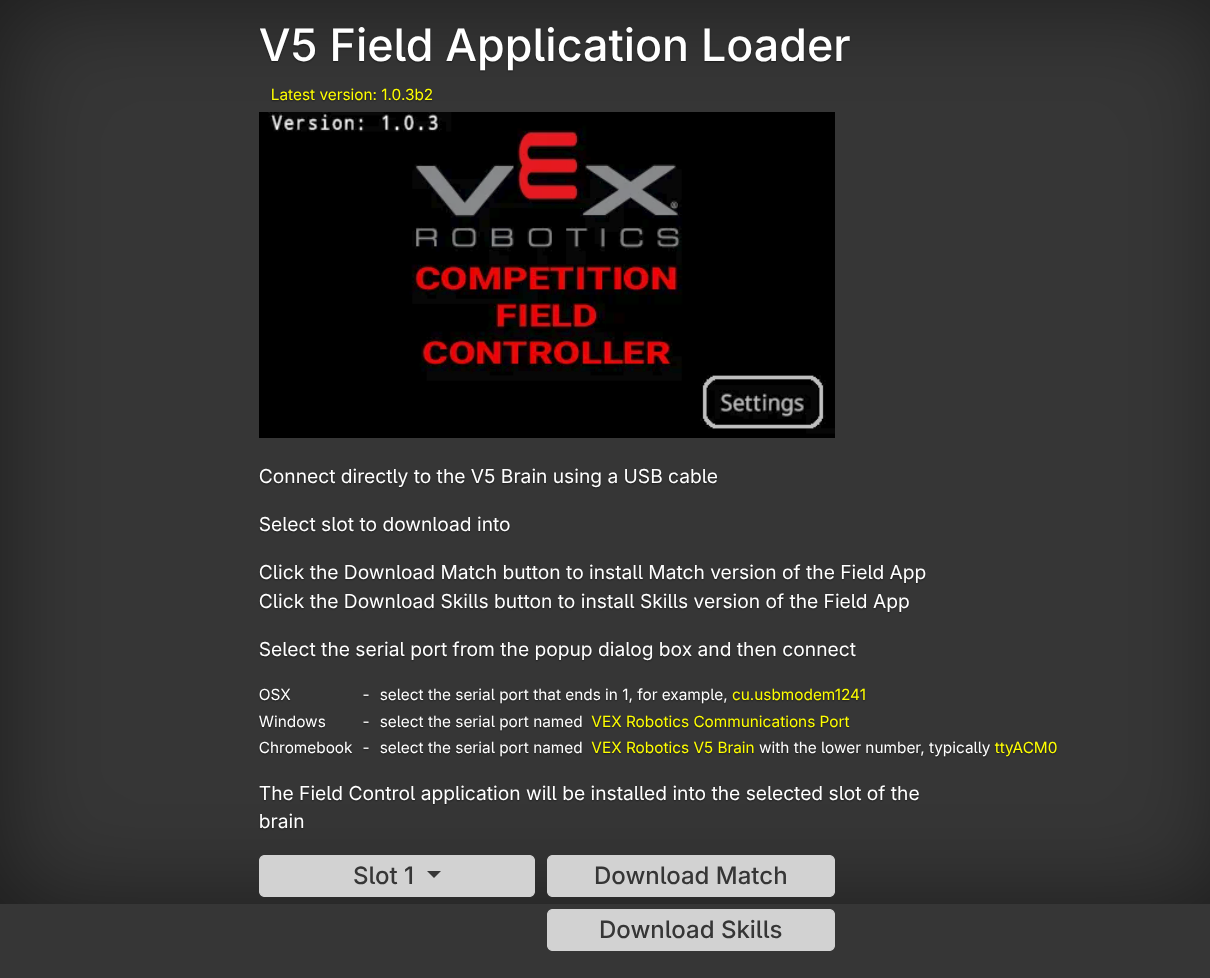
Go to the vex field control download here. Follow the instructions and download the match field control application to Slot 1 and skills to Slot 2. Note: This process needs to be done on a chrome browser and cannot be done in firefox  .
.
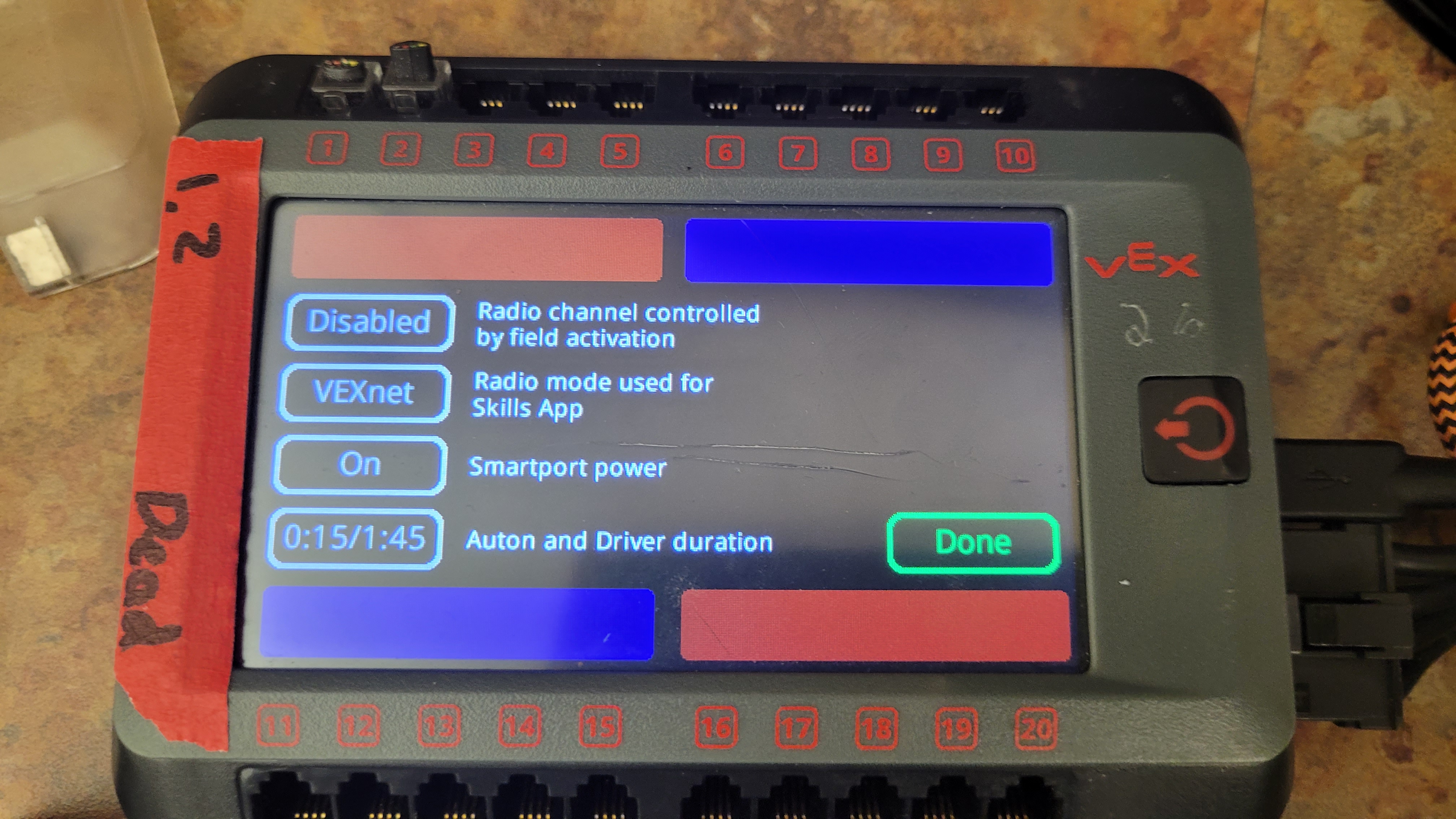
Upon installing, run the program and change the settings. Timings should be 0:15/1:45 for a V5 Match. At the time of writing vexNet protocol is used over bluetooth for matches. At big competitions where bandwidth may be limited, switching the protocol to bluetooth is recommended. Note: Using bluetooth will require teams to switch radio mode to start a skills run. Also, note that the settings defualt to Vex U at the time of writing.
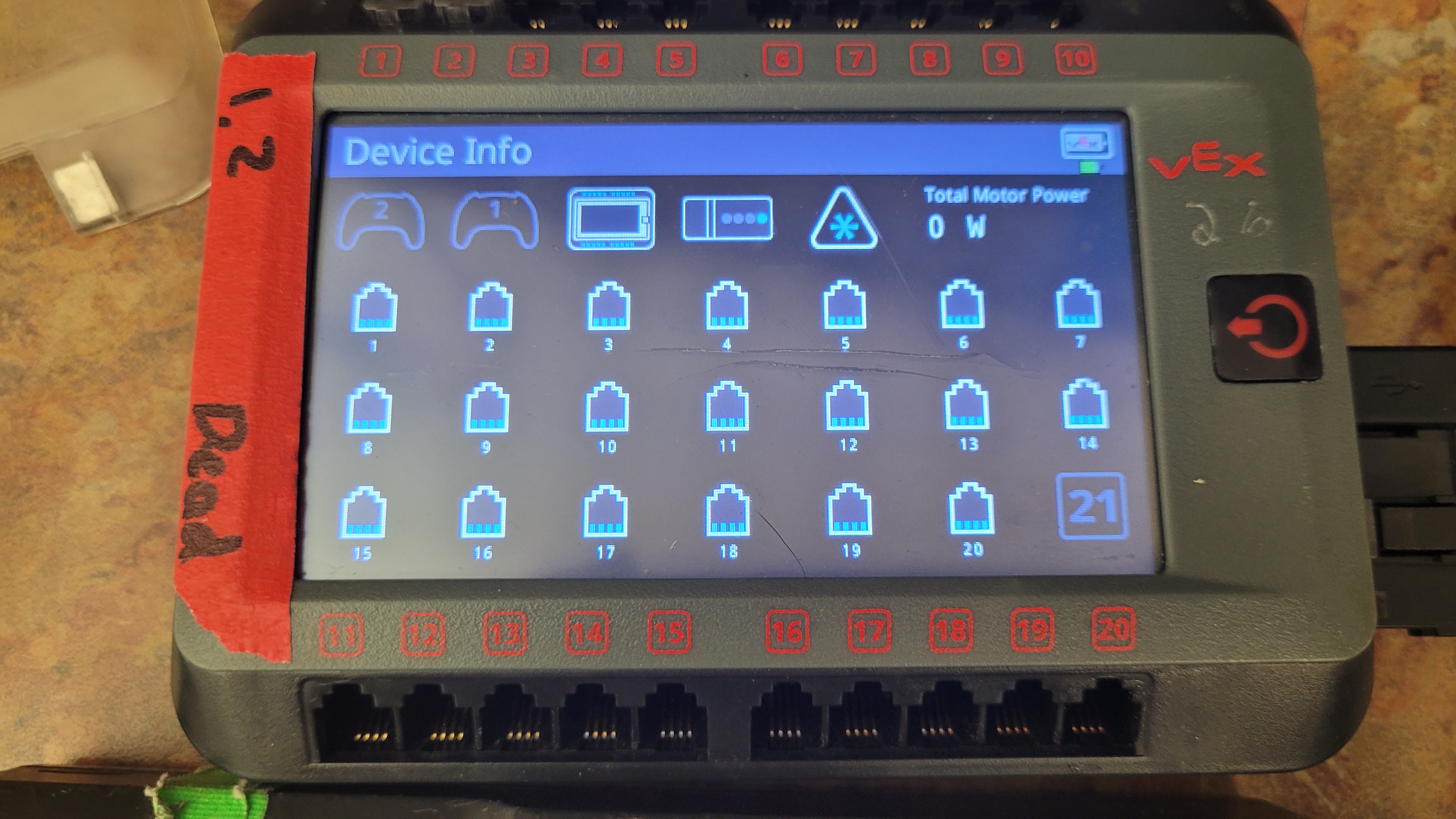
When feild control has been run for the first time, the brain will lock all the V5 ports in the device menu. No devices will show up (including controllers). To verify ports, run the the match program and connect a controller that is connected to a robot. The controller should show up as detected on the brain screen (not in the device menu) when the program is running.
Removing Field Control
First Method
There are multiple methods to remove field control from a vex brain. The simplest way to remove field control is to go to the settings tab on the vex brain, click reset all settings, then reset programs. This will erase all programs on the brain and reset the brain so that the ports are unlocked in the device menu.
Second Method
If field control manages to sneak its way back on to the brain somehow, try this second method:
Step 1: Reset The Brain
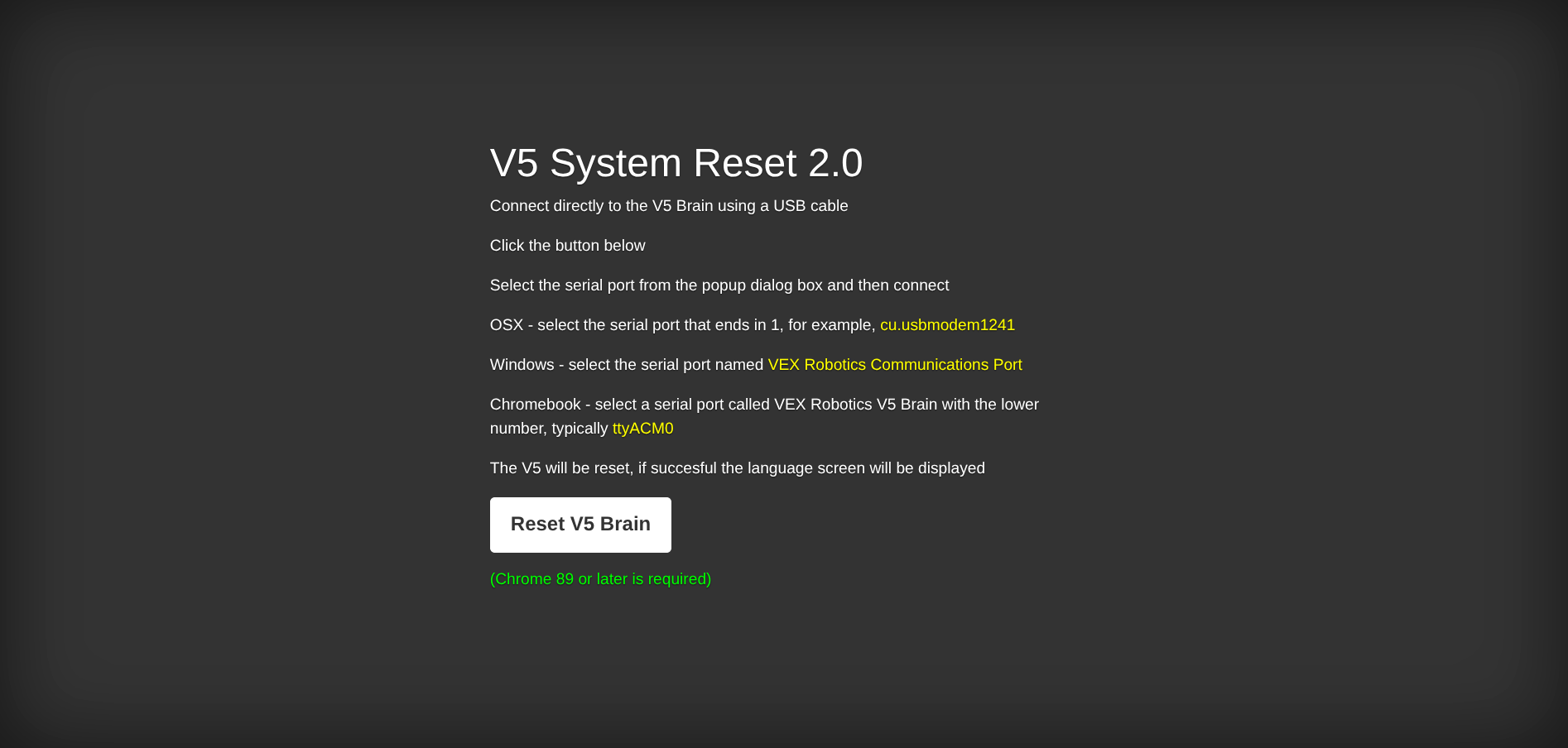
Go to the offical V5 Reset Website. Press reset and follow the instructions to figure out which COM (Windows) to select. This should remove all the programs and require a language to be selected. This will not remove the field control block on ports.
Step 2: Fix The Port Block
Run reset settings from the settings tab afterwards to remove the block. Note: This has seems to be more reliable but it is not verified that it actually does anything different.
Not an AD: Want to add more pictures, please do. Contribute Today! 